
MCP (Model Context Protocol) is an open standard for connecting AI apps to external tools and data. Attach servers like Notion, a database, or an issue tracker to Claude Code, and Claude reads and works with those systems directly, without you copying and pasting content every time. It is the core connective link for cutting down the repetitive work of running a solo business.
The more you run, the more your tools scatter — schedules in a calendar, tasks in Notion, files in Drive, code in GitHub. The standard that ties them together is MCP. This post walks through what MCP is, how to attach it to Claude Code, and what automation becomes possible for someone running a business alone, all based on the official docs.
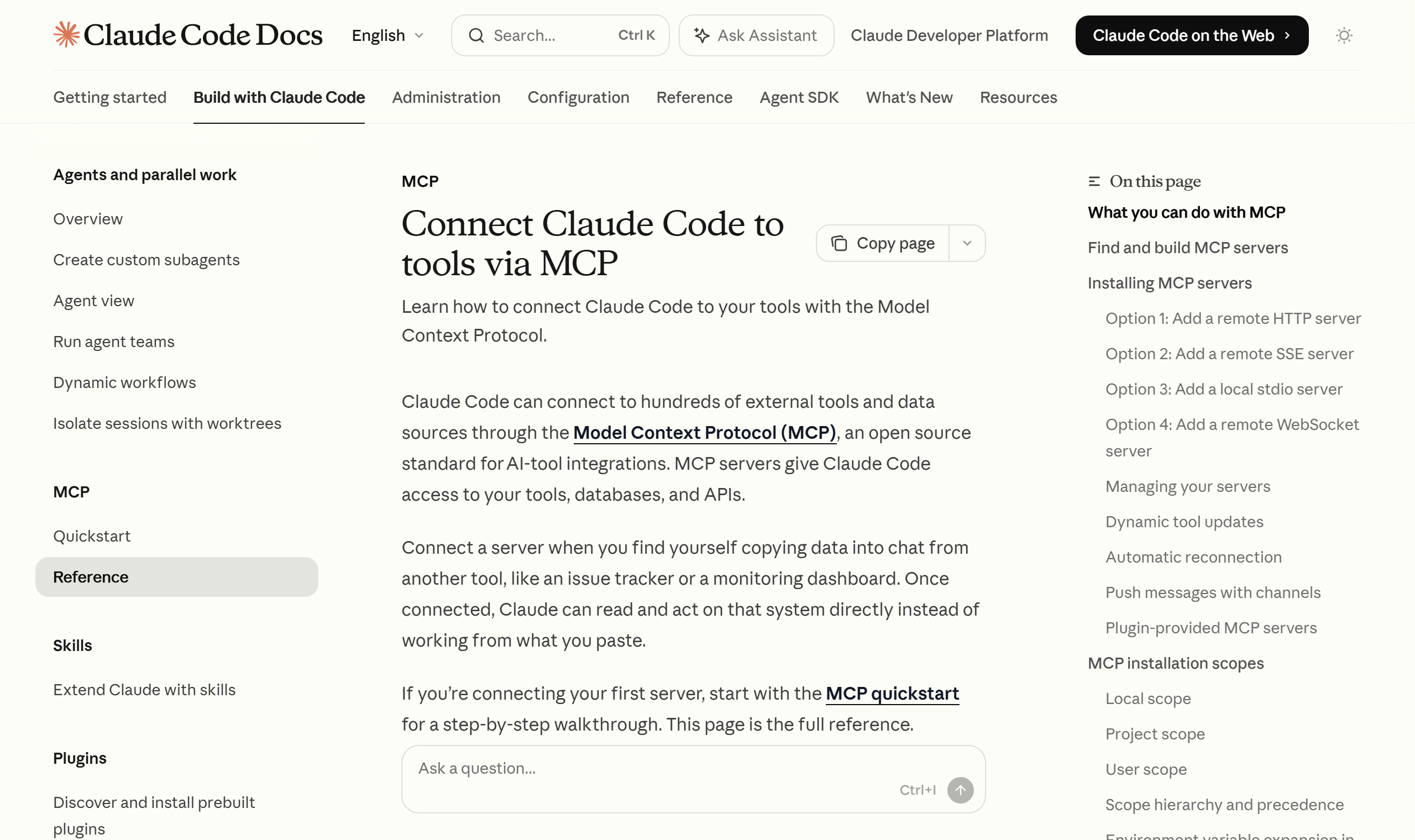
What Is MCP? A USB-C Port for AI
MCP is an open-source standard released by Anthropic. The official docs compare it to “a USB-C port for AI applications.” Just as USB-C unified how devices connect, MCP standardizes how AI apps connect to external systems.
There are three kinds of connection targets: data sources like local files and databases, tools like search engines and calculators, and workflows (prompts) tailored to specific tasks. AI apps like Claude or ChatGPT access these three in a standard way to read information and carry out work.
The key point is that “build it once and it connects everywhere.” Because MCP is an open protocol rather than one company’s closed spec, not only Claude Code but also VS Code, Cursor, and other clients share the same server. Build a tool once as an MCP server, and you can reuse it across multiple AI environments.
Understanding the Architecture — Host, Client, Server
MCP follows a client-server architecture. It is quickest to understand by splitting the roles into three.
- MCP host: The AI application that oversees connections, such as Claude Code or Claude Desktop. It manages multiple clients.
- MCP client: The connection component that is created one per server. It receives context from the server and passes it to the host.
- MCP server: The program that actually provides the context data. These exist per tool, like a Notion server or a GitHub server.
The capabilities a server exposes to a client are defined as three primitives. Based on the official docs, they break down as follows.
| Primitive | Definition | Examples |
|---|---|---|
| Tools | Executable functions the AI calls to perform actions | File operations, API calls, DB queries |
| Resources | Data sources that provide context to the AI | File contents, DB records, API responses |
| Prompts | Reusable templates that structure interactions | System prompts, few-shot examples |
The transport differs depending on whether the server runs locally or remotely. Local processes use stdio (standard input/output) transport, while cloud services use Streamable HTTP transport. HTTP transport supports standard authentication such as OAuth, bearer tokens, and API keys.
Attaching an MCP Server to Claude Code — The Actual Commands
Setup comes down to a single command. Here are the three ways to add a server, as laid out in the official docs.
Remote HTTP server (recommended) — the standard for connecting cloud services.
# Basic syntax
claude mcp add --transport http <name> <url>

# Example: connecting Notion
claude mcp add --transport http notion https://mcp.notion.com/mcp
Local stdio server — for when you access the system directly or use a custom script.
# Basic syntax
claude mcp add [options] <name> -- <command> [args...]

# Example: Airtable server
claude mcp add --env AIRTABLE_API_KEY=YOUR_KEY --transport stdio airtable \
  -- npx -y airtable-mcp-server
Everything after the -- (double dash) is passed through verbatim as the command that runs the server. If you drop this separator, Claude Code will misread the server’s flags as its own options, so watch out for it.
The server-management commands are simple, too.
claude mcp list        # List registered servers
claude mcp get notion  # Details for a specific server
claude mcp remove notion  # Remove a server
/mcp                   # (in session) Check server status
You set the storage location with the --scope flag. Choose one of three: local (the default — just you, in the current project), project (shared with a team via an .mcp.json file), or user (just you, across all projects). If you run several projects solo, keeping your frequently used servers in the user scope saves effort.
The first server I attached was Notion. Once I stopped copying calendar events and to-dos into the chat every time, the setup time that used to go into asking for the same task dropped noticeably. Since then, whenever I pick up a new tool, the first thing I check is whether an MCP server exists for it.
Automating Solo-Business Workflows — What Becomes Possible
This is the heart of it. Once you attach MCP servers, natural-language instructions like the following work in Claude Code (based on examples from the official docs).
- Issue-tracker integration: “Implement the feature described in JIRA issue ENG-4521 and open a PR on GitHub.”
- Monitoring-data analysis: “Check this feature’s usage in Sentry and Statsig.”
- Database queries: “Find the emails of the 10 users who used this feature in PostgreSQL.”
- Design integration: “Update the email template with the new Figma design posted in Slack.”
- Repetitive-task automation: “Draft a Gmail inviting these 10 users to a feedback session.”
Looking at these examples from a solo operator’s point of view, the hand-work of hopping between scattered tools and copy-pasting shrinks to a single sentence. If you run a content business, you can have it read your content calendar in Notion and draft your next post; if you run commerce, you can have it analyze order data in a database and produce a report. That is workflow automation.
For NABERAL Lab, I gathered my content assets and publishing records in one place and wired them so Claude Code can reference them directly. Cutting out the step of summarizing what I published yesterday freed up the same hour for reviewing more. That said, automation is not a cure-all. Which tools to connect, and in what order — that planning is the human’s job.

Before You Adopt It — Trust and Tool Comparison
For all its convenience, there are things to flag. The official docs warn that a server pulling in external content can be exposed to prompt-injection risk, and explicitly say to verify that a server is trustworthy before connecting it. A directory of vetted connectors maintained by Anthropic is available, so it is safer to check there first, before servers of unclear origin.
From a tool-comparison angle, MCP’s strength is that it is not locked to a single vendor. You used to write separate plugins or API-integration code for each tool; MCP unifies that under one standard. The fact that the same Notion server can be used by Claude Code and by other MCP-capable clients alike is the biggest point of departure from a one-off integration you hand-coded.
The choice of transport is a smaller comparison point, too. If you access files and scripts on your own machine, a stdio local server fits; if you connect to a cloud SaaS, an HTTP remote server with authentication is the match. You can mix the two, and the host manages a separate client for each server.
Wrapping Up
MCP is a connection standard that lets you handle scattered tools from one place in Claude Code. Grasp the host-client-server architecture and the three primitives — tools, resources, and prompts — and the concept is simple; setup is a single claude mcp add command. Because it is Anthropic’s open standard, a server you attach once is reusable across many environments — which fits a short-handed solo-business setup especially well.
But connecting tools does not make the business run on its own. Deciding what to automate, why, and in what order is still the human’s job. MCP is only the bridge that carries that plan into execution.
The concepts, commands, and examples in this article draw on the official docs at modelcontextprotocol.io and code.claude.com (as of 2026).
Sources: Model Context Protocol, MCP — Architecture, Claude Code docs — MCP