
n8n vs Claude Code (2026): Which AI Automation Stack Should You Actually Use?
Short answer: Pick n8n if your automation is mostly connecting apps and APIs on a schedule — Gmail to Sheets to Slack — with a visual canvas and no code. Pick Claude Code if your work involves reading, writing, or transforming code and files, or making judgment calls a fixed workflow can’t. Most solo builders end up running both, and this guide shows where each one earns its keep.
If you searched “n8n vs Claude Code,” you probably already sense the awkward truth: they are not really the same category of tool. One is a workflow engine you wire together visually. The other is an AI coding agent you drive from a terminal or a script. But in 2026 they land on the same shortlist because both answer the same underlying question — how do I automate the repetitive parts of my work without hiring anyone?
I run a content and publishing operation that leans hard on automation, so I have had to make this exact call more than once. Here is how the two stacks actually compare when you use them for real work, not just on a feature page.
What n8n and Claude Code Actually Are
n8n is a workflow automation platform. You build automations by dragging nodes onto a canvas and connecting them: a trigger node (a webhook, a schedule, a new email) flows into action nodes (call an API, write a row, send a message). It ships with hundreds of pre-built integrations and, more recently, AI nodes that can call a language model as one step in a larger chain. Think of it as programmable plumbing between the SaaS tools you already pay for.
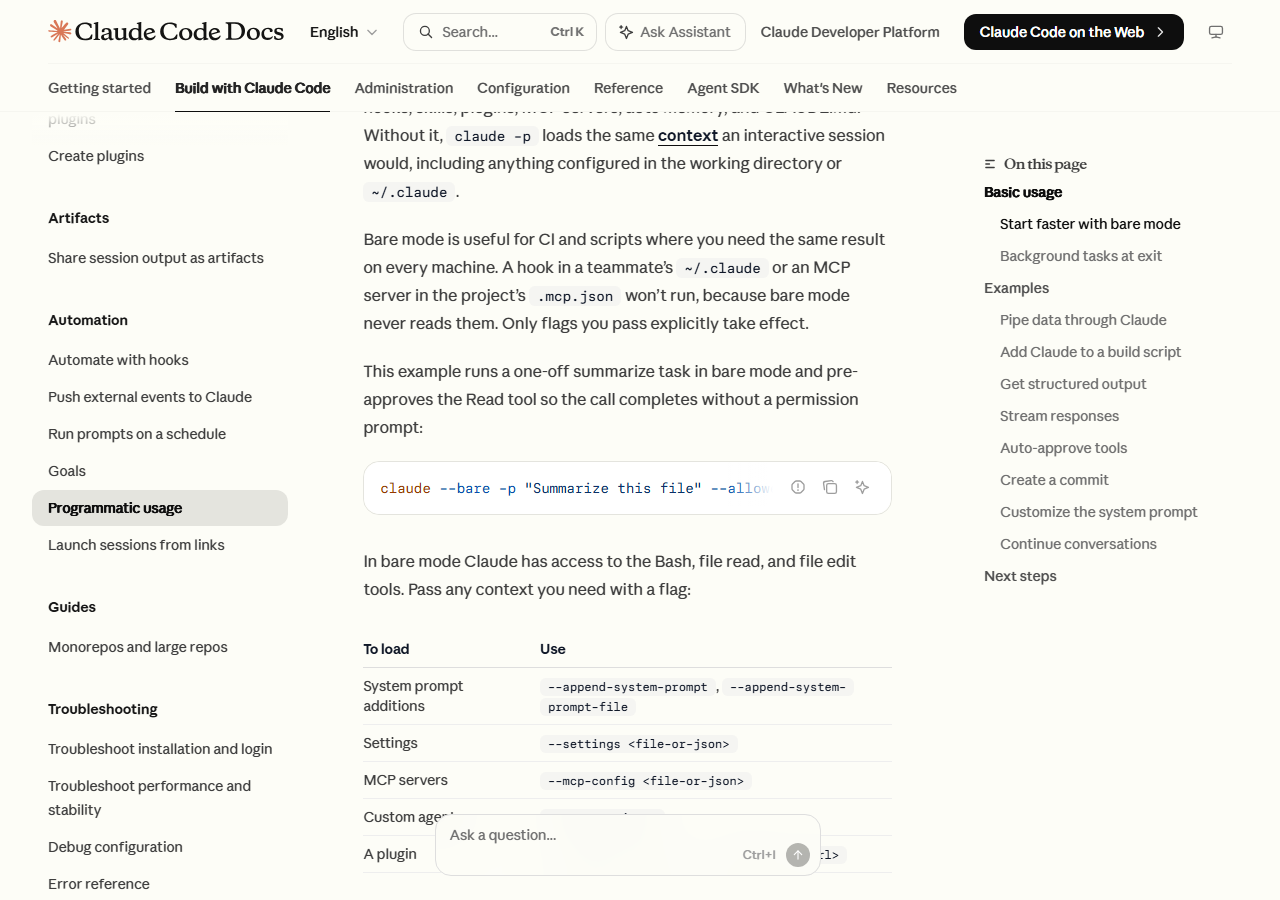
Claude Code is Anthropic’s coding agent. Interactively it lives in your terminal, but the piece that matters for automation is its headless mode. According to the official Claude Code documentation, you run it non-interactively with claude -p "your prompt", and the same engine is exposed through the Agent SDK as a CLI, a Python package, and a TypeScript package. It can read files, run shell commands, edit code, search the web, and reason about what to do next — then hand you structured output.
The cleanest way to hold the difference in your head: n8n is deterministic glue — it does exactly the steps you drew, every time. Claude Code is a reasoning agent — it decides the steps based on the situation. That distinction drives everything below.

Setup: How I Got Each One Running
When I set up my first serious n8n workflow, the friction was mostly infrastructure, not logic. The visual builder is genuinely approachable — I had a “watch a folder, transform the data, post to a webhook” chain working in an afternoon. The catch in 2026 is where it runs. n8n Cloud is the managed option, but self-hosting the free Community Edition means a small VPS, Docker, and keeping the thing patched yourself. Once it is up, building workflows is fast and forgiving.
Claude Code’s setup was the opposite shape: trivial to install, more thinking required to use it safely. Getting headless mode going is one line — claude -p "summarize the changes in this repo". The real setup work is permissions. Because the agent can execute commands, you scope what it is allowed to touch. The docs show this with flags like --allowedTools "Bash,Read,Edit" to pre-approve specific tools, and --permission-mode to set a baseline for a locked-down CI run. When I first wired Claude Code into a scheduled job, I spent most of my time deciding what it should not be allowed to do — which is exactly the right instinct.
Setup verdict: n8n is easier to start if you use Cloud, harder if you self-host. Claude Code is easier to install but demands that you think about guardrails before you automate anything unattended.
Use Cases: Where Each One Wins
Here is the honest split based on what each tool is built for.
| Task | Better fit | Why |
|---|---|---|
| Connect 5 SaaS apps on a schedule | n8n | Pre-built nodes, visual retry/error handling |
| Move data between APIs with fixed logic | n8n | Deterministic, easy to audit visually |
| Read a codebase and fix a bug | Claude Code | Understands context, edits files, runs tests |
| Turn messy input into structured output | Claude Code | Reasoning + --output-format json |
| Non-technical teammate maintains it | n8n | No-code canvas, no terminal |
| Run inside CI/CD to review a PR | Claude Code | Built for GitHub Actions / GitLab pipelines |
| A task where the “right steps” change each run | Claude Code | Agent decides; a fixed workflow can’t |
| A task that must do the identical thing every time | n8n | Predictability is the point |
n8n shines when the job is integration: something happens in Tool A, so do a defined thing in Tools B and C. It is observable — you can look at the canvas and see exactly what will happen. That auditability matters when a non-technical collaborator has to maintain it.
Claude Code shines when the job requires judgment or code. The docs give a great real example: wiring git diff main | claude -p "you are a typo linter..." into a package.json script so the agent reviews every diff. That is not something you draw as a flowchart — the value is that it reads the actual content and reasons about it. When I moved a file-cleanup-and-reformat job off a rigid script and onto Claude Code, the win was that it handled the edge cases the old script kept choking on, because it could actually understand the files instead of pattern-matching them.
Pricing in 2026: The Free Tier Question
This is where a lot of 2026 comparisons get outdated fast, so I pulled the numbers straight from the source.
Per the official n8n pricing page, n8n Cloud no longer offers a perpetual free plan — that changed, and now you get a time-limited trial instead. Paid Cloud tiers start at €20/month for the Starter plan (2,500 workflow executions, billed annually; month-to-month is higher), €50/month for Pro (10,000 executions), and €667/month for Business (40,000 executions). The important asterisk: the self-hosted Community Edition is still completely free and open-source, with unlimited executions. You trade money for the work of running your own server.
Claude Code is billed differently because it is not a workflow host — it is an agent that consumes tokens. You run it on a Claude subscription or metered API usage, and cost scales with how much the agent reads and writes, not with a fixed monthly execution count. A useful detail for automation: the docs note that --output-format json returns a total_cost_usd field per invocation, so a scripted caller can track spend per run without opening a dashboard. That per-call transparency is genuinely handy when you are deciding whether an automated job is worth what it costs.
Pricing verdict: if you want a fixed, predictable monthly bill and you are willing to self-host, n8n’s free Community Edition is unbeatable on cost. If your workloads are spiky and reasoning-heavy, Claude Code’s metered model can be cheaper for low volume and more expensive for high volume — measure before you commit.
The Verdict: Which Automation Stack Should You Use?
After running both, my conclusion is that “n8n vs Claude Code” is the wrong frame for most people. They are complementary, not rival.
- Choose n8n if the bulk of your automation is connecting services on triggers and schedules, you value a visual audit trail, a non-technical teammate needs to maintain it, and you want a predictable cost (especially self-hosted and free).
- Choose Claude Code if your work touches code, files, or decisions that a fixed flowchart can’t capture, you live in a terminal or CI/CD pipeline, and you want an agent that reasons rather than repeats.
- Run both — the pattern I actually landed on — by letting n8n handle the deterministic plumbing and calling Claude Code (or the Agent SDK) for the one step in the chain that needs a brain. n8n moves the data; Claude Code makes the call that data can’t make on its own.
For solo builders and creators in 2026, that combination costs very little to start: a free self-hosted n8n instance for the wiring, plus metered Claude Code usage for the reasoning. Start with the tool that matches your most frequent task, and add the other the first time you hit a job it can’t handle well.
Sources: n8n official pricing and the Claude Code headless / Agent SDK documentation, both accessed July 2026. Pricing and features change — verify current figures before you commit.