
The 30-second answer: The three layers that extend Claude Code play different roles. Skills are a lightweight extension that pulls in task-appropriate instructions on demand; subagents are a heavier helper that runs isolated and in parallel in a separate context; hooks are a deterministic safety net enforced by a shell script rather than the LLM. Start with skills and move up only when you need to.
I’m a solo developer who, under the name NABERAL, keeps Claude Code running every day to operate a blog auto-publishing harness, a shopping-sourcing pipeline, and planning agents together. After I wrote a standalone piece on subagents, the question I got most was “I get subagents, but how are they different from skills and hooks?” There’s almost no material that lines up all three side by side. In this post I organize the three layers against the official docs, and lay out the selection criteria I’ve arrived at from running all three at once for over a year as a decision tree.
What each of the three layers is
First, let’s pin down what each one is, a paragraph at a time. This follows the official docs (docs.claude.com/en/docs/claude-code).
Skills are an instruction bundle made from a single folder and a SKILL.md file inside it. Write “when this kind of task comes in, handle it like this” in Markdown, and Claude automatically activates the relevant skill according to the task context. Normally only a short description sits in context, and only at the moment that task is actually needed does it read the full body. Features that used to be slash commands are now consolidated into skills, and a defining trait is that you can compose several skills together.
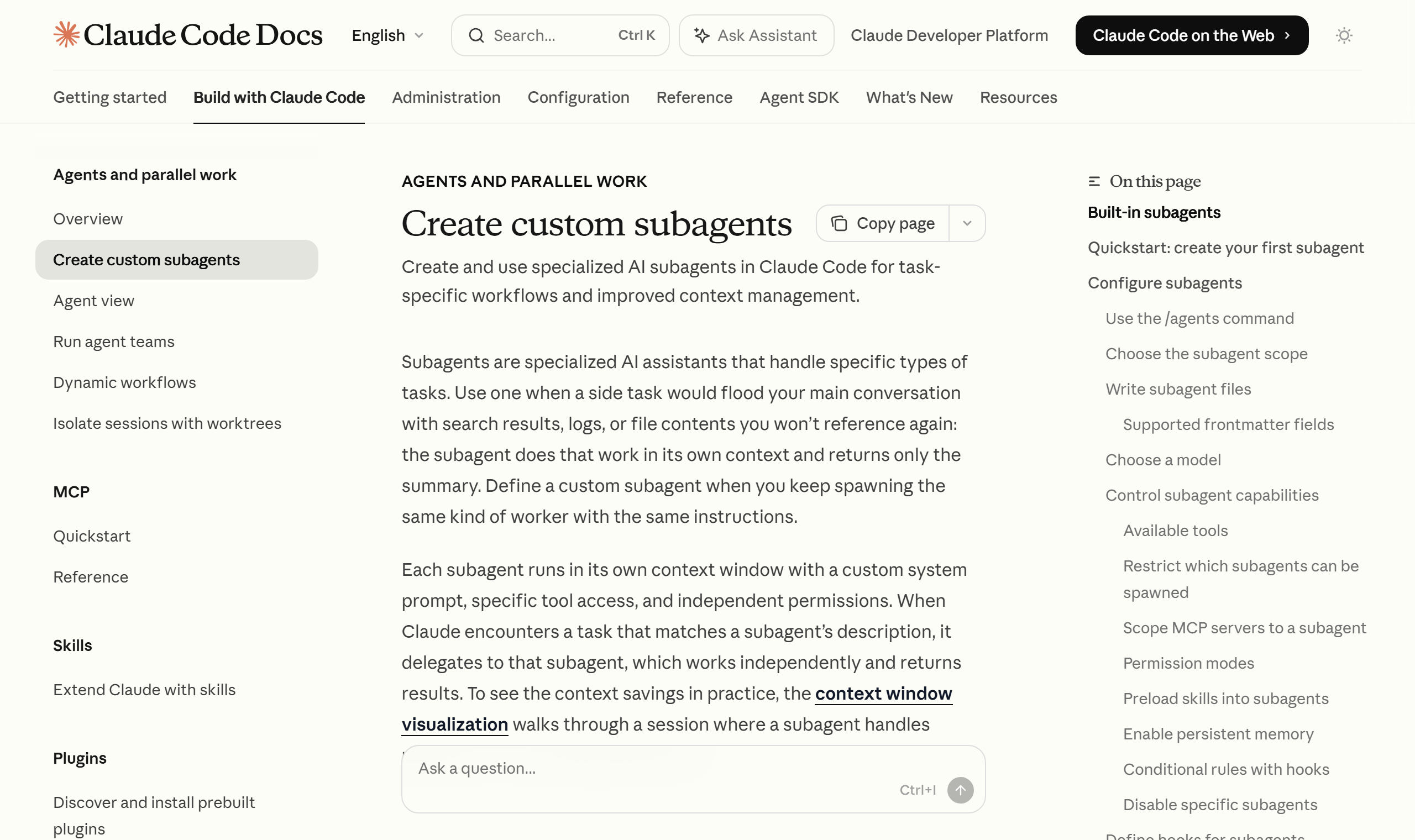
Subagents are a separate AI helper dedicated to a specific type of task. The key is that it operates independently, with its own context window, a dedicated system prompt, and scoped tool permissions. It works in its own workspace separated from the main conversation and returns only a result summary when done. That’s why it shows its worth when isolating exploration and log work that would clutter the main conversation, or when running several branches in parallel.
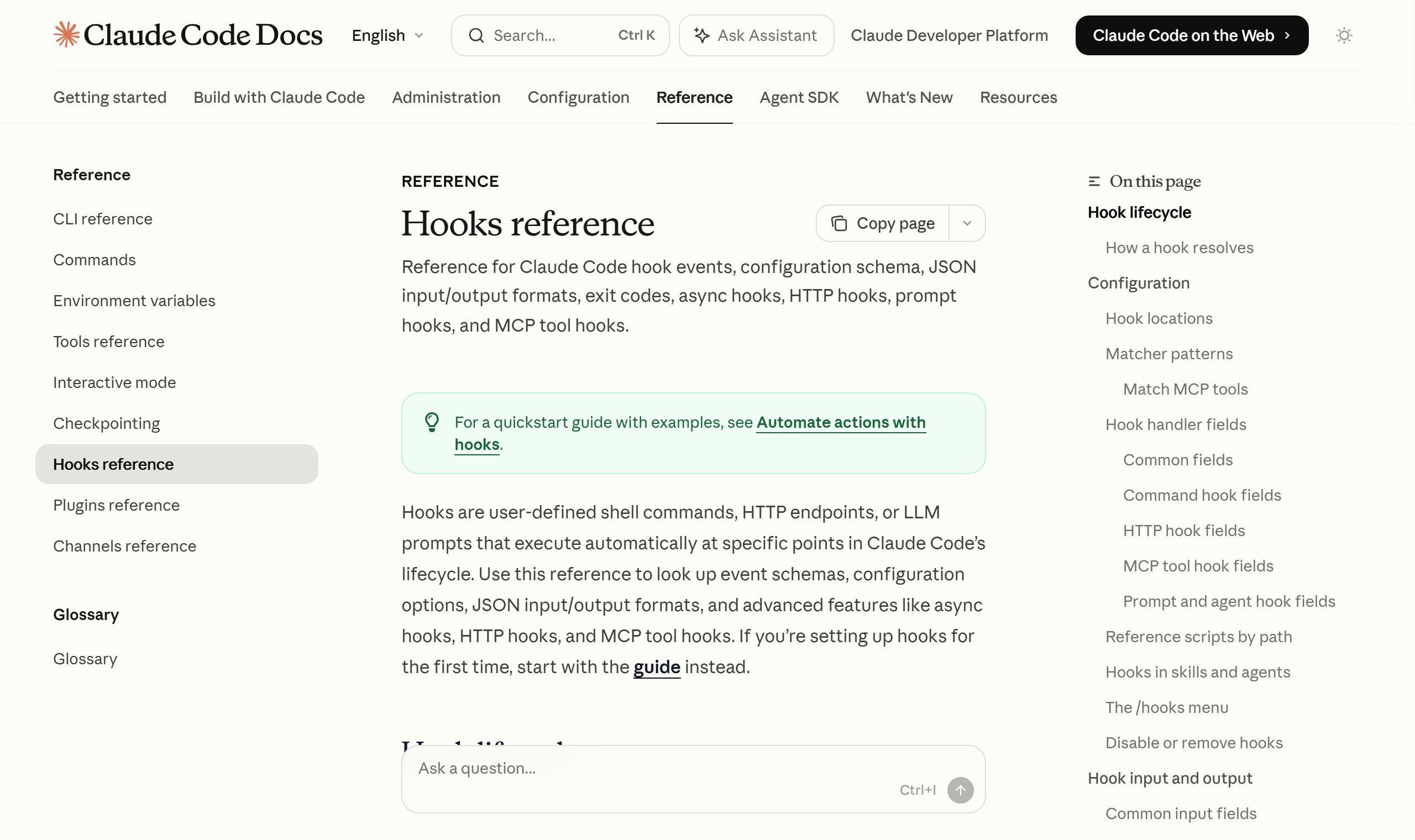
Hooks are a different animal from the first two. A hook is a shell script bound to a lifecycle event in Claude Code. Crucially, a hook isn’t executed by the LLM’s judgment — it’s deterministic code that runs unconditionally whenever the set event occurs. The model can’t “forget” or skip it via a hallucination. It’s a device that enforces a rule like “this check must run every single time” in code rather than leaving it to the LLM’s good faith.
The decisive differences are two axes: context and enforcement
Two criteria separate the three layers at a glance. One is whether they share or separate context; the other is whether execution is by model judgment or enforced.
| Aspect | Skills | Subagents | Hooks |
|---|---|---|---|
| Where it runs | Main conversation (inline) | Separate context (isolated) | Shell script (outside the model) |
| How it executes | Model activates it by task context | Model decides to delegate | Unconditionally on the event |
| Form | Folder + SKILL.md | System prompt + scoped tools | Lifecycle event + script |
| Core benefit | On-demand instruction loading | Context protection, parallelism | Deterministic enforced safety net |
| Hallucination risk | Yes (the LLM performs it) | Yes (the LLM performs it) | None (code executes) |
The last row of the table matters most. Skills and subagents ultimately have Claude take the instructions and “perform them itself.” Used well, that’s powerful — but the chance the model misses an instruction isn’t zero. A hook, by contrast, runs directly as code without going through the LLM. That’s exactly why a “check that must never be missed” should be enforced with a hook rather than a skill or subagent.
I learned this difference the expensive way. At first I wrote the instruction “check for banned vocabulary before publishing” into a skill body, but the model would occasionally skip the check and publish anyway. When I moved the same rule into a hook, that omission disappeared. The key was turning a check that leaned on the model’s cooperation into one enforced by code.
Where hook events bind — PreToolUse and PostToolUse
The reason hooks feel confusing is that “when they run” differs by event. Let me point out, against the official docs, the two events a solo developer meets first.
PreToolUse is a hook that runs just before Claude executes a tool (Bash, Edit, Write, and so on). You can inspect here and, if you judge it dangerous, block execution. Per the official docs, if the hook script exits with exit code 2, that tool call is blocked. This is the place to pre-filter hard-to-undo commands like rm -rf, a force push, or editing .env.
PostToolUse is a hook that runs just after a tool executes. It’s the post-processing spot to take the result and tidy the formatting, run tests, or write a log. A representative pattern is automatically running a linter or formatter right after a code edit.
The two settle in as a pair: input validation (Pre) and result validation (Post). Beyond these two events there are also events at response completion, session start, and prompt submission — but the exact event names and behavior change quickly, so I’d recommend confirming them directly in the official docs (docs.claude.com/en/docs/claude-code/hooks).
A selection decision tree for solo developers
Now the main point. Here’s the judgment order I actually use, laid out as a tree. The core principle is one thing: start with the lightest layer, skills, and move up only when a need arises.
-
Is it a repeated instruction, procedure, or checklist? → Skill. Pin the prompt you kept pasting into a single
SKILL.md. It has the lowest entry cost and shares the main conversation’s context as-is. Most workflow automation can start here. -
Is it a check that must be enforced every single time? → Hook. If it’s a rule the model must not skip (blocking dangerous commands, a required pre-publish check, a pre-commit lint), enforce it with a hook, not a skill. PreToolUse is for blocking, PostToolUse for post-processing.
-
Is it exploration or log work that dirties the main conversation, or does it need parallelism/isolation? → Subagent. Isolate codebase exploration that reads dozens of files, bulk log analysis you’ll never look at again, and work that runs several branches at once into a separate context.
Walk this order in reverse and you only add cost. Run even a simple procedure through a subagent and you consume a whole separate context for little felt gain. Conversely, leave a check that must never be missed as skill instructions alone and the omission I described earlier recurs. The right answer is to classify the nature of the task first and pick the layer that fits it.
The three aren’t exclusive — combination is what real operation looks like
The last point to stress is that the three layers aren’t an either/or. In my NABERAL operation, all three run together inside one pipeline.
Take blog auto-publishing. Repeated procedures like writing and validation are pinned as skills, while trend exploration or bulk research is isolated into subagents to keep the main conversation clean. And the banned-vocabulary check or dangerous-command block right before publishing is enforced with hooks, so the safety net always works regardless of the model’s judgment. It’s a division of labor: skills tell you “what to do and how,” subagents “handle heavy work separately,” and hooks “enforce the absolute rules.”
For a solo developer, this combination isn’t mere convenience — it’s operational stability itself. In workflow automation, where a person can’t tend to every step by hand, the gaps disappear when each layer takes only its own role accurately. Anthropic’s Claude Code deliberately provides these three extension mechanisms as separate things, and understanding that intent lets you handle the tool far more precisely.
Tools change fast. For detailed specs like frontmatter options, hook event names, and slash commands, the habit of always verifying against the official docs as your primary source ultimately saves time. But the essential division of labor across the three layers — “skills light, subagents isolated, hooks enforced” — is a standard that won’t waver for a while. If you run Claude Code as a one-person business, I’d recommend grabbing this one line first and starting from there.
Sources: Anthropic docs — Claude Code hooks, Anthropic docs — Claude Code subagents, Anthropic docs — Claude Code skills