
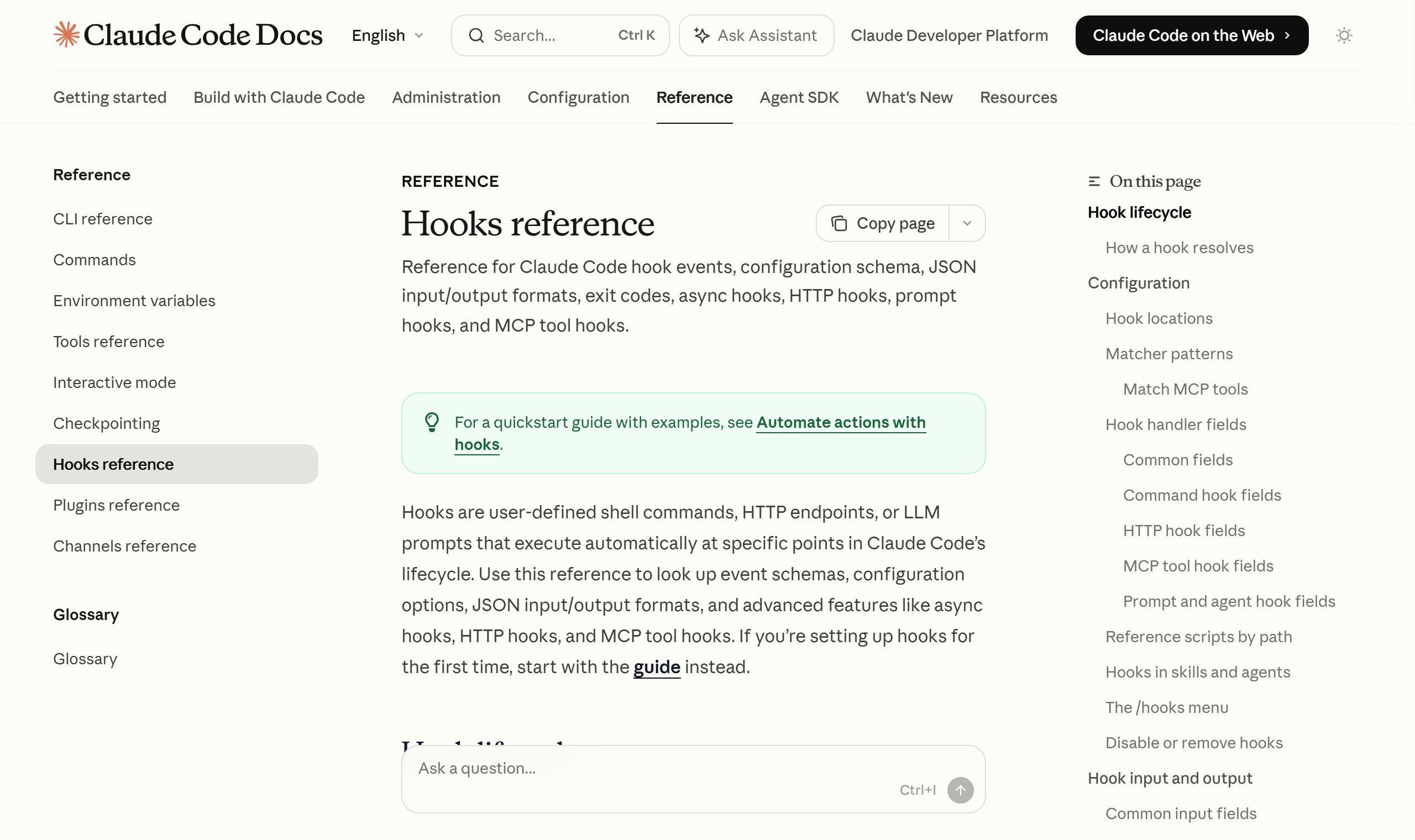
Hooks are lifecycle shell commands you define in
.claude/settings.json. Unlike CLAUDE.md instructions, which the LLM sometimes skips, they enforce a specific action deterministically. PreToolUse handles validation and blocking before execution; PostToolUse handles formatting and testing after execution. (Per the official docs.)
I’m a solo developer who has run an automation pipeline called NABERAL on top of Claude Code for close to a year. Running several harnesses every day — blog publishing, product sourcing, planning — made one pain point crystal clear: no matter how carefully I write rules into CLAUDE.md like “don’t use this vocabulary” or “go through validation before publishing,” the model sometimes just breezes past them in the middle of a long session or a complex task. And you can’t stand next to it and watch every single time.
The answer to this problem was hooks. Unlike the earlier overview post, which touched shallowly on the three layers of CLAUDE.md, hooks, and subagents, this is a standalone guide that digs one level deeper into hooks alone. I won’t lay out the three-layer comparison again; I’ll focus on the practical angle of “why it gets ignored → how to lock it down.”
Why does CLAUDE.md get ignored “sometimes”?
CLAUDE.md is an instruction you hand to the model. It’s powerful, but its essence is a recommendation to “refer to this.” Whether the model acts on that instruction at every moment is decided probabilistically. When the context grows long or the task gets complex, a rule you wrote can get pushed down the priority order and fail to show up in the result.
The official docs explain this difference clearly. Hooks, they state, “provide deterministic control over Claude Code’s behavior, making certain actions always happen rather than relying on the LLM choosing to run them.” In other words, a hook runs directly as a shell command outside the model’s judgment, at a fixed point in the lifecycle. There’s no path for the model to “forget” at all.
So the roles differ. CLAUDE.md is a flexible instruction that requires judgment; a hook is a deterministic rule that must always happen. Items that must operate without exception — banned vocabulary, enforced formatting, blocking dangerous commands — belong in hooks.
Where you define hooks — settings.json
Hooks are defined inside the hooks key of a settings file. The scope depends on the location.
~/.claude/settings.json— every project on your machine (personal, global).claude/settings.json— a single project, committed to the repo and shareable with the team.claude/settings.local.json— a single project, gitignored (personal)
If you want to enforce it as a team rule, put it in the project’s .claude/settings.json and share it; keep checks that apply only to your own environment separate in settings.local.json. I keep rules that should apply consistently across all of NABERAL, like the vocabulary check, in the project settings, and experimental hooks in the local settings.
Each hook has a matcher (which tool it binds to) and a command (what to run). The matcher filters by tool name — pipe them like "Edit|Write" and it binds only to file-editing tools; "Bash" binds only to shell commands.
PreToolUse — the “before” guard
PreToolUse fires just before a tool call executes. The key is that it can block. It’s a “guard” for pre-empting dangerous commands or files you must not touch.
The blocking mechanism is decided by exit code. Per the official docs, if the hook script ends with exit code 2 (exit 2), the action is blocked, and whatever you wrote to stderr is passed to Claude as feedback so it adjusts its approach. Exit code 0 means proceed normally (though 0 doesn’t auto-approve the tool call; the usual permission flow still applies).
Below is a PreToolUse example that blocks edits to protected files like .env and package-lock.json. First, put the script in .claude/hooks/protect-files.sh.
#!/bin/bash
# protect-files.sh
INPUT=$(cat)
FILE_PATH=$(echo "$INPUT" | jq -r '.tool_input.file_path // empty')

PROTECTED_PATTERNS=(".env" "package-lock.json" ".git/")

for pattern in "${PROTECTED_PATTERNS[@]}"; do
  if [[ "$FILE_PATH" == *"$pattern"* ]]; then
    echo "Blocked: $FILE_PATH matches protected pattern '$pattern'" >&2
    exit 2
  fi
done
exit 0
Next, register it in .claude/settings.json so it runs before Edit and Write tool calls.
{
  "hooks": {
    "PreToolUse": [
      {
        "matcher": "Edit|Write",
        "hooks": [
          {
            "type": "command",
            "command": "\"$CLAUDE_PROJECT_DIR\"/.claude/hooks/protect-files.sh"
          }
        ]
      }
    ]
  }
}
When the script meets a file matching a protected pattern, it blocks the edit with exit 2, and the stderr message is passed straight to the model. One more thing — a PreToolUse block takes priority over permission mode. Per the official docs, a hook that returns permissionDecision: "deny" blocks the tool even in bypassPermissions mode, so you can enforce a policy that can’t be bypassed by switching permission modes.
PostToolUse — the “after” cleanup
PostToolUse fires just after a tool call succeeds. Since execution is already done, it can’t undo anything; its role is “cleanup” like formatting, testing, logging, and tidying up.
The most common pattern is automatically running a formatter right after an edit. Below is an example that runs Prettier on the edited file, pulling the file path with jq.
{
  "hooks": {
    "PostToolUse": [
      {
        "matcher": "Edit|Write",
        "hooks": [
          {
            "type": "command",
            "command": "jq -r '.tool_input.file_path' | xargs npx prettier --write"
          }
        ]
      }
    ]
  }
}
I keep a vocabulary and consistency check bound at this spot. Every time an edit happens, the agreed check runs once automatically, so the variable of “I forgot this time” disappears. Not having to repeat the same inspection by hand every time is PostToolUse’s biggest practical benefit.
Watch out for performance, though. PostToolUse runs on every tool call, so binding a heavy check here (say, a full build or integration test that takes 5 seconds each time) makes the whole session noticeably slower. Heavy validation is better handed to a Stop hook that runs once when a turn ends, to SessionEnd that runs when the session ends, or over to CI — not to every call.

PreToolUse vs PostToolUse — at a glance
| Aspect | PreToolUse | PostToolUse |
|---|---|---|
| When it fires | Before tool execution | After tool execution (on success) |
| Can block | Yes (exit 2) | No (already executed) |
| Typical use | Block dangerous commands / protected files (guard) | Format, test, log (cleanup) |
| Permission priority | deny takes priority over permission mode | Not applicable |
The selection rule is simple. If it’s “something to block,” PreToolUse; if it’s “something to tidy up afterward,” PostToolUse. Nailing just these two lets you deterministically lock down most of the rules CLAUDE.md used to let slip through.
Other events and a starting point
There are several hook events beyond these two. UserPromptSubmit, which injects context when you submit a prompt; Stop, which runs when a response ends; SubagentStop, which runs when a subagent ends; and SessionEnd, which runs when the session ends — they sit at various points in the lifecycle. You don’t need to touch them all from the start.
The fastest starting point is to bind a one-line formatter to PostToolUse and check whether it registered via the /hooks menu. Then add the one thing you really need to block as a PreToolUse guard. One operational tip — details like event names, the settings.json path, and exit codes can be expressed differently across versions, so I’d recommend the habit of cross-checking once in the official docs (code.claude.com/docs/en/hooks-guide) before applying. I reopen the same doc every time I add a new hook, too.
For reference, the current model is Opus 4.8. Hooks aren’t a feature tied to a specific model but a lifecycle control of Claude Code itself, so the operating principle of PreToolUse and PostToolUse applies unchanged even as the model version goes up.
Wrap-up
A hook is a device that turns “the AI will surely handle it well” into “this runs exactly as set.” Writing intent with CLAUDE.md and separating out only the parts to enforce without exception into hooks was the stable combination I found over a year of operation. If you’re repeating the same check by hand every day, start by moving that one check into PostToolUse. As Anthropic’s workflow-automation tool, Claude Code’s real power comes from this deterministic safety net.
Sources: Claude Code docs — Hooks guide, Anthropic docs — Claude Code hooks