
In short: Claude Code’s sandbox is an isolated-execution feature that runs risky Bash commands inside filesystem and network isolation, so you can automate safely without per-command approvals.
Claude Code’s sandbox is a safeguard that walls off the shell commands an agent runs at the operating-system level. Even if you stop approving repetitive commands like builds or tests every time, defining ahead of time the files and network scope a command is allowed to touch means the OS enforces that boundary. The goal is to raise your level of automation while reducing the risk of a wrecked system or leaked credentials.
This post lays out the concept of the sandbox, how the Bash sandbox works, how to enable it, its relationship to the permission system, and practical cautions — all based on the 2026 official documentation.
Contents
1. What the Claude Code sandbox is
2. How the Bash sandbox works
3. How to turn the sandbox on
4. How it differs from permissions and auto mode
5. What to watch out for in practice
6. FAQ
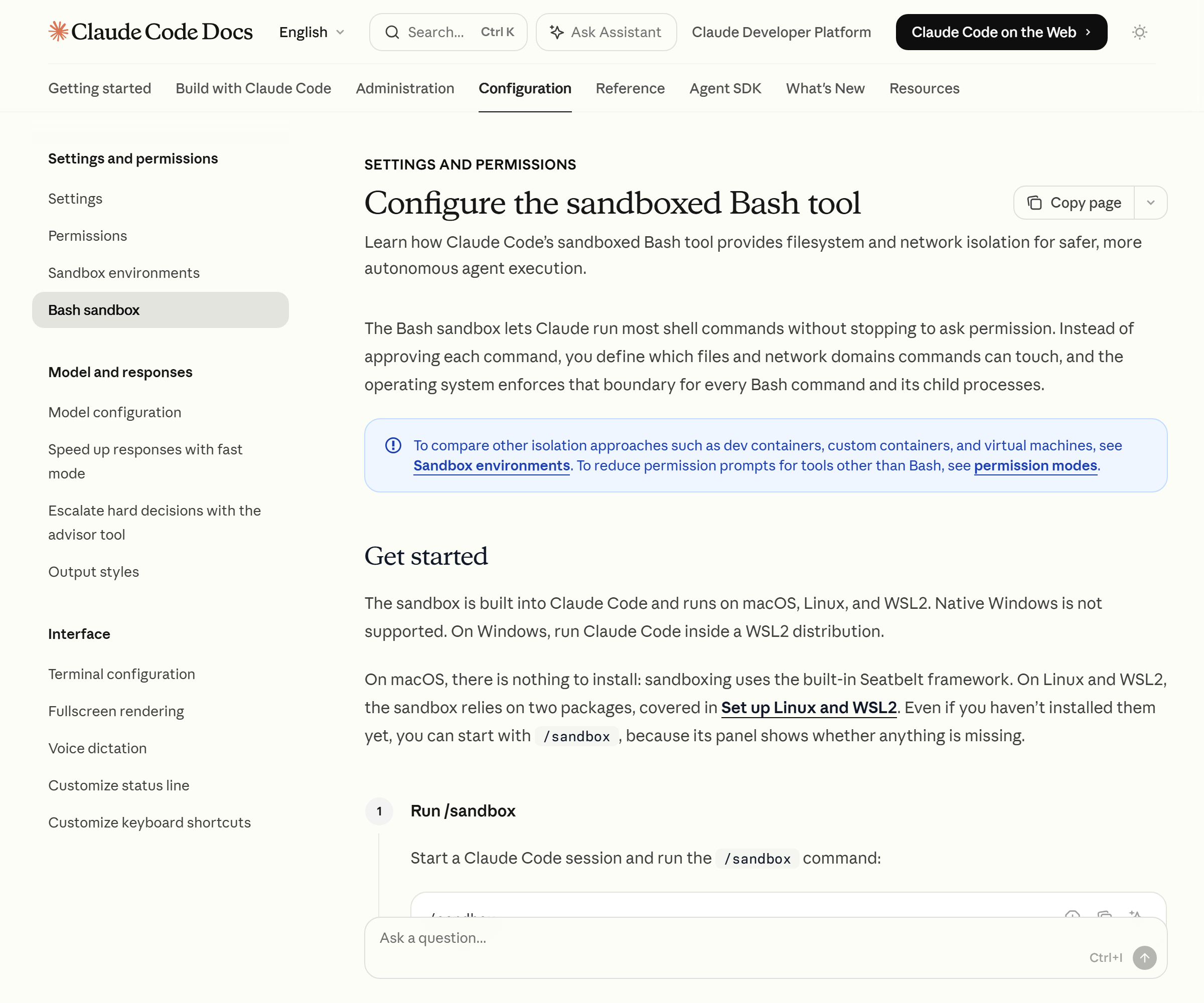
What the Claude Code sandbox is
The sandbox isolates the very space in which commands execute. Unlike permission rules, which decide up front whether to approve, the sandbox physically limits the scope of access even after a command has already run. So even when a command’s name looks safe, if it tries to do more than allowed in practice, the OS blocks the out-of-bounds work.
Two axes of isolation work together. Filesystem isolation blocks file changes outside the working directory, and network isolation blocks connections to disallowed domains. The official documentation is explicit that it’s only meaningful when both axes are present. Without network isolation, a compromised agent could exfiltrate an SSH key; without filesystem isolation, it could manipulate system resources to gain network access. Anthropic has said that in internal use this approach cut permission prompts by 84%.
The problem I hit while running an automated publishing pipeline was exactly this point. Every time a script created a temporary file or called an external API, an approval dialog popped up and stalled the unattended run. The sandbox solves that friction with a boundary rather than an approval.
How the Bash sandbox works
The Bash sandbox leans directly on the operating system’s security primitives. macOS uses the built-in Seatbelt framework, while Linux and WSL2 enforce isolation with bubblewrap. This boundary is inherited not just by the command Claude ran but by every child process that command spawns.
The filesystem isolation defaults are clear. Writing is allowed only to the current working directory and its subfolders, plus the session’s temporary directory. Shell configuration like ~/.bashrc or system binaries under /bin/ can’t be modified without explicit permission. The read default, however, is wide — credential files like ~/.aws/credentials or ~/.ssh are readable by default. You have to block that part separately with the sandbox.credentials setting.
Network isolation is handled by a proxy server that runs outside the sandbox. There are no pre-allowed domains, and when a command requests a new domain for the first time, Claude Code asks for approval. To eliminate repeat prompts, pre-register trusted domains in settings with allowedDomains. Since the proxy doesn’t decrypt TLS by default, the official documentation also warns that allowing a broad domain like github.com can become a data-exfiltration path.

How to turn the sandbox on
Run the /sandbox command inside a session and a panel opens. The panel has three tabs. In the Mode tab you choose the approval method, in the Overrides tab you decide whether a failed command falls through to run non-sandboxed, and in the Config tab you review the final applied settings.
There are two modes. Auto-allow mode runs commands inside the sandbox without asking. Regular-permissions mode still runs sandboxed commands through the existing permission flow. Both modes apply the same filesystem and network limits; the only difference is whether approval is automatic.
The mode you pick in the panel is recorded in the project’s .claude/settings.local.json. To apply it to every project, set sandbox.enabled to true in the user settings at ~/.claude/settings.json. If a particular tool has to write outside the working folder, opening that path with sandbox.filesystem.allowWrite is recommended — it’s safer than excluding the whole tool from the sandbox.
How it differs from permissions and auto mode
Don’t conflate the concepts here. The sandbox sits at a different tier from the permission matcher or auto mode. Permission rules decide whether a tool should run before it runs; the sandbox limits the scope of access after it runs.
Auto-allow mode and auto mode are especially distinct. Auto-allow skips approval because the sandbox boundary already fences the command in, whereas auto mode has a classifier judge the safety of an action to stand in for approval. I once mixed the two up, left only auto mode on, and mistakenly assumed prompts would still fire — but the Bash sandbox only works if you activate /sandbox separately. The detailed automation flow is easier to grasp read alongside a hook configuration guide.
Explicit deny rules are always respected, even in auto-allow mode. A command like rm aimed at / or your home directory still raises an approval dialog. In other words, the safety net stays in place.
What to watch out for in practice
Start with the platform. The sandbox only works on macOS, Linux, and WSL2 — native Windows isn’t supported. Since my work environment is Windows, I confirmed that on Windows you have to run Claude Code inside a WSL2 distribution for isolated execution to engage. WSL1 isn’t supported because it lacks the kernel features bubblewrap requires.
Some tools are incompatible too. docker doesn’t fit the sandbox, so put it in excludedCommands to run it outside; jest needs the --no-watchman option. On macOS, Go-based CLIs like gh, gcloud, and terraform may fail TLS verification and need separate handling.
The most important principle is to check the opposite side whenever you widen a boundary. A single allowWrite path, a broad allowedDomains, or one excludedCommands exception can nullify the restriction on the other axis. The benefit of isolated execution holds only while filesystem isolation and network isolation are both alive together.
In this way, sandboxed isolated execution is the mechanism that lets a developer safely hand over even risky commands.
FAQ
Q. If I turn the sandbox on, do approval dialogs disappear entirely?
No. Even in auto-allow mode, explicit deny rules, deletion commands aimed at system paths, and content-based checks like git push keep raising prompts.
Q. Are subagents sandboxed too?
Yes. Because subagents run in the same process as the parent session, they follow the same sandbox settings. If isolation is on in the parent, a subagent’s Bash commands are isolated too.
Q. Do file tools like Read or Edit also run inside the sandbox?
No. The built-in file tools go through the permission system directly, not the sandbox. The sandbox only isolates Bash child processes.
Claude Code’s sandbox is a practical compromise that raises your level of automation while lowering risk. Turn it on with /sandbox, understand the difference between the two modes, and just be careful about credential reads and overly broad domain allowances — and you can run a pipeline unattended without approval fatigue. It isn’t a perfect isolation boundary, though, so it’s safest to pair sensitive automation with additional isolation such as a container.
Sources: Claude Code official docs — Sandboxing · Anthropic Engineering — Claude Code sandboxing