
In short: Claude Code’s scheduled runs use cloud routines (cron) to run at set times even with your machine turned off, while
/looprepeats a prompt at a fixed interval for as long as a session stays open.
What holds a solo business back isn’t anything grand — it’s the repetitive chores that come around every day. Things like checking that a post went out, watching a deployment, or a weekly report. Claude Code’s scheduled runs and recurring automation turn these repeat tasks over to set times without a human hand. This post separates the three approaches — cloud routines, the in-session /loop, and desktop scheduled tasks — and lays out when to use each, based on the official documentation and my own operating experience.
The heart of it is two axes: “does the machine have to stay on?” and “does a session have to stay open?” Get those two axes right and the rest comes down to a few commands.
Contents
- Why scheduled and recurring runs matter
- Where scheduled runs happen (cloud routines / cron)
- How recurring loops run (/loop)
- How this works in practice
- What to watch out for (cost, duplication, monitoring)
- FAQ
Why scheduled and recurring runs matter
When one person is running content and code at the same time, the points where a hand is needed are always the same: checking a publish at a set time, watching whether a deploy finished, summarizing the PRs merged over the past week. These jobs take little judgment and involve a lot of repetition, so they’re a perfect fit for running automatically.
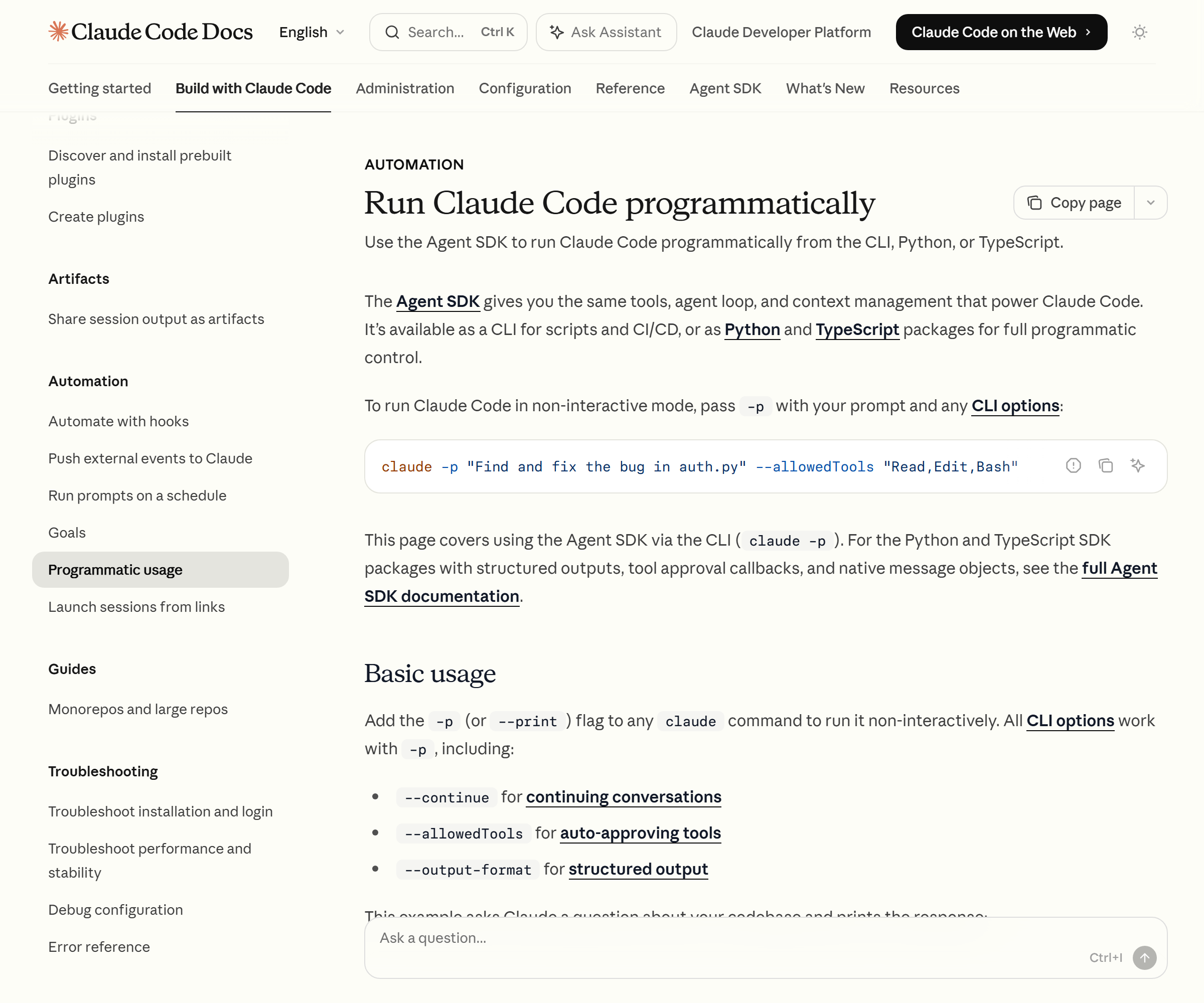
Claude Code supports this repetition across three tiers. First, Routines that run in the cloud; second, /loop that runs inside a session; third, desktop scheduled tasks that run on your own computer. The differences between the three sort out in a single table. Routines run even with your machine off but can’t reach local files, while /loop needs an open session but carries the conversation context straight through.
At first I tried to handle everything with /loop and failed — I’d overlooked the fact that it stops when you close the laptop. Splitting the tiers by purpose is the starting point. The bigger picture of automation clicks faster if you read it alongside the Claude Opus 4.8 dynamic workflows article.
Where scheduled runs happen (cloud routines / cron)
The most powerful unattended automation is Routines. Save a prompt, repository, and connectors once, and a routine runs automatically on Anthropic’s cloud infrastructure. The decisive difference from /loop is that it keeps running even with your laptop closed. There are three trigger types: a fixed schedule, an API call, and GitHub events.
Routines can be created on the web (claude.ai/code/routines), in the desktop app, and in the CLI. In the CLI you use the /schedule command, giving instructions in natural language like /schedule daily PR review at 9am. Listing, updating, and running on demand are /schedule list, /schedule update, and /schedule run respectively. Note that the CLI’s /schedule only creates schedule triggers; API and GitHub triggers have to be edited on the web.
Pick your cadence from the hourly, daily, weekday, and weekly presets, and if you need a custom interval, drop a 5-field cron expression straight in with /schedule update. The minimum interval is one hour, and any expression that runs more often than that is rejected. Because a routine clones the repository fresh on every run, it can’t reach local files. External services connect through MCP connectors, and that connector traffic passes through Anthropic’s servers. The usage condition is that Claude Code on the web must be enabled on a Pro, Max, Team, or Enterprise plan. The full requirements are laid out in the Anthropic official Routines documentation.
How recurring loops run (/loop)
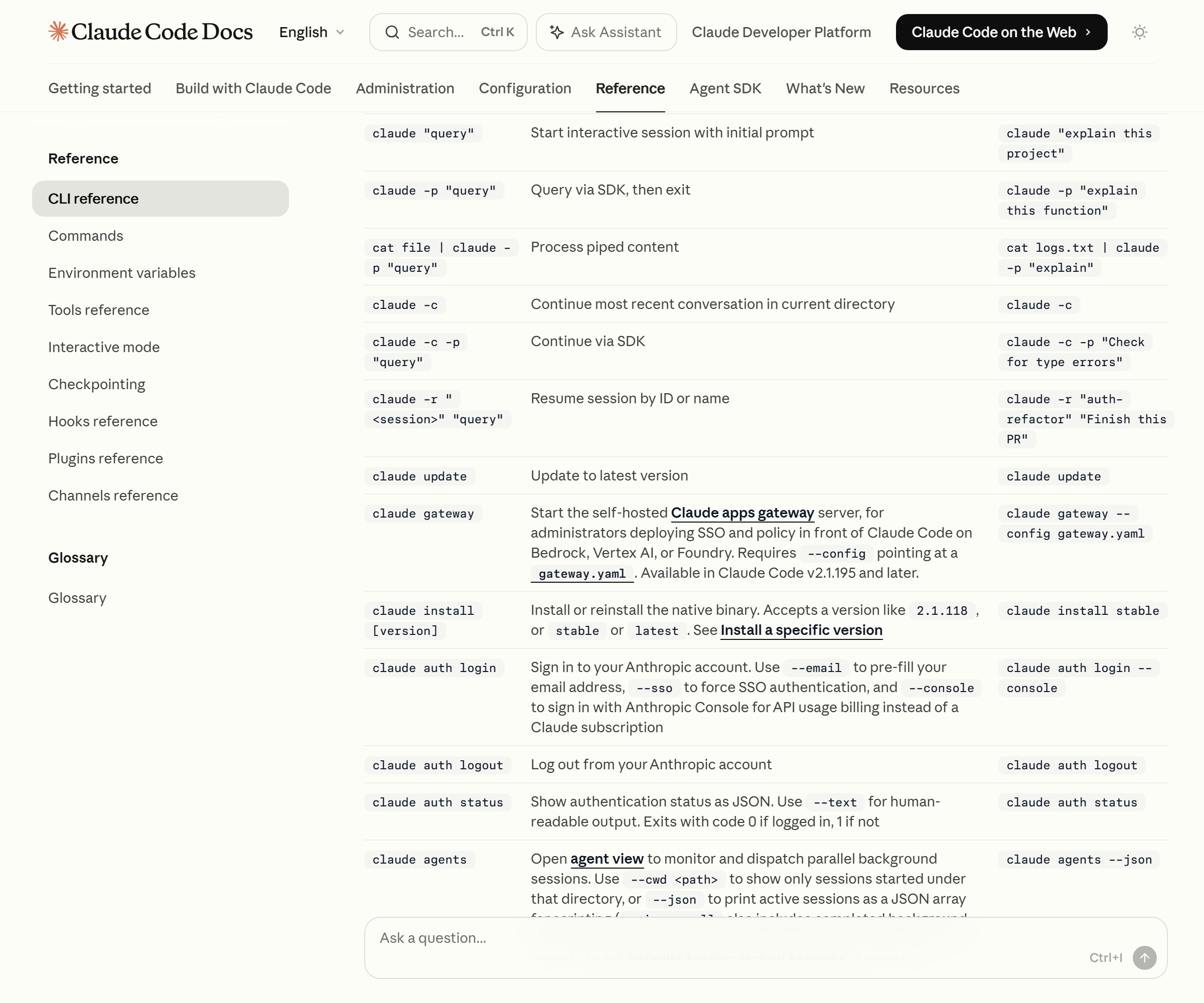
When you want to poll something on a short cadence with a session already open, /loop is the fast path. Give it an interval and a prompt, like /loop 5m check the deploy, and Claude converts it into a cron expression and repeats the prompt at that interval. The interval units are seconds (s), minutes (m), hours (h), and days (d), and the minimum is one minute. Omit the interval and Claude reads the situation and sets its own wait time somewhere between one minute and one hour.
The internal tools /loop uses to handle session-repeating and other scheduling are three: CronCreate (create a task), CronList (list), and CronDelete (cancel by ID). Natural-language instructions like “what scheduled tasks do I have?” or “cancel the deploy-check task” call the same tools. A single session can hold up to 50 scheduled tasks.
There are two behaviors to watch. One is the 7-day expiry: a recurring task runs one last time seven days after creation and then deletes itself. It’s a safeguard against a forgotten loop running forever. The other is that it’s session-scoped. Close the terminal and it pauses; pick it back up with claude --resume and the task is restored before its expiry. You can also set a skill as the recurring target, so you can define a subagent and then call it repeatedly. For subagent design, see the Claude Code subagent guide. The detailed rules for /loop are in the official scheduled tasks documentation.
How this works in practice
I split the two tiers by purpose. With the laptop on, when I’m watching for a deploy or build to finish, I poll briefly with /loop and stop it with Esc once the result comes in. Conversely, work that has to run overnight or with the machine off goes to a routine. For a daily summary — like summarizing the previous day’s merged PRs at a set time — I found it convenient to handle it as a routine’s one-off run.
Let me add one hard-won lesson: the green status marker in a routine’s run list does not mean “the task succeeded.” It only means the session started and ended without an infrastructure error, so I once relaxed at the sight of a green marker only to find the actual result was empty. Since then I always open a run session and check the result directly in the transcript. Automation is less about fully replacing a person and more a tool that moves your check-in point to a scheduled, predictable spot.
What to watch out for (cost, duplication, monitoring)
First, cost. Routines consume your subscription usage the same way a conversational session does, and on top of that a per-account daily run cap applies separately. You can check how many runs you have left on the claude.ai usage page. One-off runs don’t count toward the daily cap, but they still consume your normal usage.
Second, duplicate runs. With /loop, the scheduler adds jitter that nudges the run time a little. Hourly tasks run within 30 minutes after the top of the hour, so if exact timing matters it’s safer to pick a minute other than :00 or :30 (for example, 3 9 * * *). If a schedule fires while Claude is mid-response, it runs once after that turn ends, and missed runs aren’t backfilled.
Third, monitoring and safeguards. To turn off the whole scheduler, set the environment variable CLAUDE_CODE_DISABLE_CRON=1. That disables the cron tools and /loop, and stops existing schedules too. Scheduled tasks work on v2.1.72 and above, so checking your version with claude --version first is the right order.
FAQ
Q. Is there a way to run automatically with the laptop closed?
A. Use cloud routines. Because routines run on Anthropic’s cloud infrastructure, they follow the set cadence even with your machine off. Just note that they can’t reach local files and clone the repository fresh each time.
Q. Should I pick /loop or a routine?
A. If it’s something to poll briefly with a session open, use /loop; if it’s something to run for a long time unattended with the machine off, use a routine. /loop’s minimum interval is one minute, a routine’s is one hour.
Q. I’m worried a recurring task will run forever.
A. A /loop recurring task auto-deletes after its final run seven days from creation. To run it longer, recreate it before it expires, or move it to a routine or desktop schedule.
Q. I don’t even see the schedule command.
A. /schedule only appears when you’re signed in with a claude.ai subscription. If ANTHROPIC_API_KEY is set or your CLI is old, it can be hidden, so remove the key, run claude update, and try again.
Scheduled and recurring runs aren’t a flashy feature — they’re a tool that moves repetitive chores to a fixed, predictable slot. My conclusion is simple: hand work that runs unattended with the machine off to routines, hand work you watch and repeat briefly to /loop, and always confirm the result at a scheduled, human-chosen moment. Keep to that principle and you can turn a good chunk of a solo business’s repetitive work over to set times without a human hand.
Sources: Claude Code official docs — Run prompts on a schedule, Claude Code official docs — Automate work with routines (code.claude.com, confirmed 2026-07-02)