
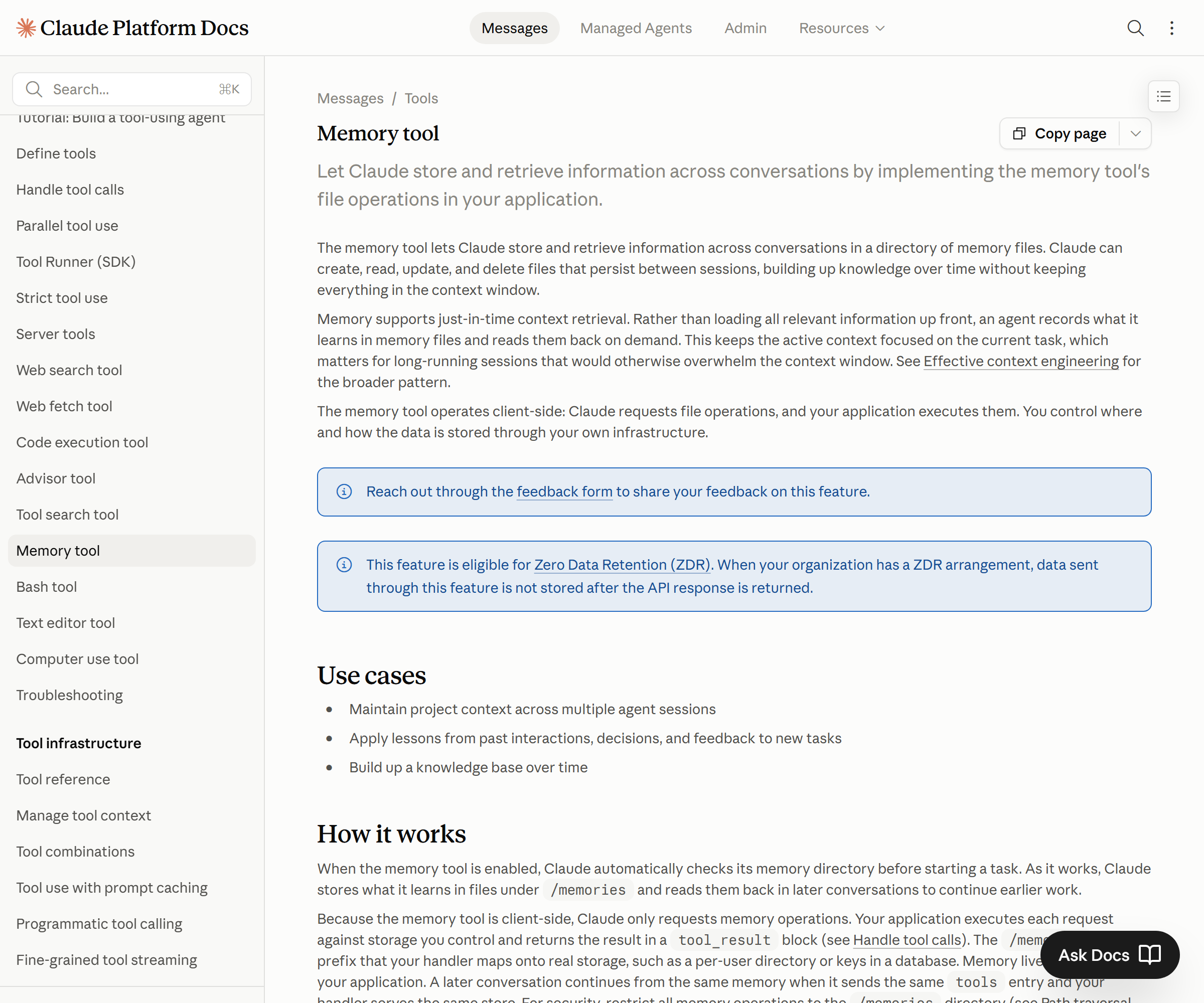
In short: The memory tool is a tool in the Claude Messages API. It works by creating, reading, and editing files in a client-side
/memoriesdirectory, so an agent can hold on to information after a conversation session ends and pull it back out later. Paired with context editing, it lets you keep token usage under control even on long jobs.
Run an AI agent for real and the first wall you hit is “memory.” Close the chat and the agent forgets the context you were just working through. In the next session you have to explain everything again from scratch. The memory tool that Anthropic added to the Claude Messages API is aimed squarely at this problem. This post lays out what the memory tool is, how it interlocks with context editing and compaction, and what to check in day-to-day use — all based on Anthropic’s official documentation.
Contents
- What the memory tool is
- How it stores memory as files
- How it pairs with context editing and compaction
- Where it actually pays off
- What to check before adopting it
What the memory tool is
The memory tool is a tool provided by the Claude Messages API. It’s a mechanism that lets an agent reach beyond the context window of a single conversation session and store information in a separate file space that it can load again.
A conventional language model only holds context within one conversation. Close the window or exceed the context limit and that content is gone. The memory tool routes around this limit. When the model decides “I’ll need this next time too,” it records that information to a file, then reads the file back in a later session and continues the work. It’s much like a person leaving work notes and opening those notes again the next day.
When I handed repetitive work to an agent, the difference between having no memory and having memory was bigger than I expected. Once the step of re-explaining the initial setup and rules every time disappeared, I could skip the whole explanation phase from the second run of the same task onward.
How it stores memory as files
The memory tool operates on a client-side /memories directory. Within this directory, the agent uses six file-related commands to work with memory.
According to Anthropic’s official documentation, the memory tool’s commands consist of six operations for working with a file system — reading directory contents, creating a file, editing a file, deleting a file, and so on. When it needs to, the agent opens the directory to see what records exist, creates new information as a file or updates an existing file, and deletes records that are no longer useful. The key point is that this store lives on the client side. In other words, where and how the memory files are actually kept is controlled by the developer who wires up the tool.
Thanks to this design, you can manage the location of the data directly. When I connected the memory tool to an agent and ran it across a multi-day task, what I found especially convenient in practice was that memory remains as files you can inspect with your own eyes, not an opaque black box. I could open the files to check directly what was being remembered, and clean up anything stored incorrectly on a per-file basis.
The model identifier used in the code examples is the latest Claude model (for example, claude-opus-4-8). To implement it, include the memory tool in your tool definitions and set up a flow where, when the model calls a file command, the client handles the actual file operation.
How it pairs with context editing and compaction
The memory tool can be used on its own, but it’s designed to be used together with context editing (client side) and compaction (server side). The three features mesh to manage the context limit on long jobs.
As a long job continues, information keeps piling up in the conversation context. Leave it as is and the context window fills up and hits the limit. Context editing trims the context on the client side to relieve this burden, while compaction compresses the conversation content on the server side. Add the memory tool to that, and you get a setup where information you don’t need in the context right now is moved off to a file and loaded again when needed.
To put it simply, it’s a division of labor: the memory tool handles “long-term storage outside the session,” while context editing and compaction handle “context management inside the session.” With this combination, even an agent that runs long in a single stretch can keep working without getting trapped by the token limit. If you also understand the basic concepts of tokens and the context window in AI agents and LLMs, it becomes easier to see why this division of labor is needed.
Where it actually pays off
The memory tool’s benefit is clearer in “work that continues across multiple sessions” than in “work that’s done in one shot.” Its core use case is situations where you have to retain information across session boundaries.
Think of research work that runs over several days, an assistant that accumulates a user’s preferences and rules, or a multi-stage pipeline where the output of an earlier step has to be referenced in the next one. Because you don’t have to rebuild the context from scratch every time, you can cut the tokens and time that used to go into repeated explanation.
When I attached the memory tool to three kinds of repetitive tasks on an agent and ran them, from the second run the agent read the previously stored rules file first before starting, and the prep phase that used to go into up-front explanation grew noticeably shorter. Conversely, for work like one-off Q&A where the session is short and there’s no context reuse, the memory tool’s advantage wasn’t large. It’s better to first weigh “does this work really span sessions?” before attaching the tool.
What to check before adopting it
When you attach the memory tool, you have to start from the fact that the store lives on the client side. Deciding at the design stage where the memory files sit and who can access them is the first button to fasten.
Because memory persists as files, you need criteria for what to store and what not to store. Curate what gets saved so sensitive information doesn’t simply accumulate in files, and follow up with maintenance that periodically updates or deletes records that have grown stale and inaccurate. Whether to use it alongside context editing and compaction is also something you decide to fit the nature of the work. Get comfortable with the basic setup flow of tool definitions and API calls first, and wiring up the memory tool goes much more smoothly.
The implementation details, command specifications, and code examples are laid out in Anthropic’s official documentation. For exact parameters and the latest supported scope, always confirm directly in the Anthropic official memory tool documentation and the Anthropic Engineering blog. The feature keeps getting updated, so it’s safest to treat the documentation as of your actual adoption date as the reference.
Conclusion
The memory tool is a tool that gives AI agents “memory outside the session.” It’s a simple structure — creating, reading, and editing files in a client-side /memories directory — but combined with context editing and compaction, it lets you carry context forward on long jobs without exceeding the context limit. If your work spans multiple sessions, is an assistant that has to accumulate rules, or is a multi-stage pipeline, it’s well worth evaluating. Just remember that because memory persists as files, you have to design the storage targets and management policy alongside it — and always confirm the exact specifications in the official documentation.
Sources: Anthropic official memory tool documentation, Anthropic Engineering blog